Links for Seniors Review
Links for Seniors provides a safe internet environment to access material relevant to using the Gifts for Seniors/Tech for Seniors tablets.
Each of our Learning Communities have different interests, questions, experience, priorities, etc. To accommodate this diversity, we have organized the Links For Seniors web site by Topic with the ability to select relevant material for each communities unique needs. Similar to the GFS/TFS Student Application on your tablet, you begin by advancing through your Community Landing page and go to your Learning Communities Specific site.
Links for Seniors Links
The material in this section is expected to be dynamic in order to address your interests and react to application and technology changes. Some sections may be specific to your Learning Group. It is organized into 5 sections:
Your Tablet – contains useful information on how to use your tablet. Review stuff you learned in class and new stuff you didn’t discuss.
News & Information – contains information about current news sources and interesting websites.
Games & Fun – contains info on games you might want to try. We have included one external website at the bottom of this page. If you decide to use it BE CAREFUL – consider reviewing Internet Hygeine 101.
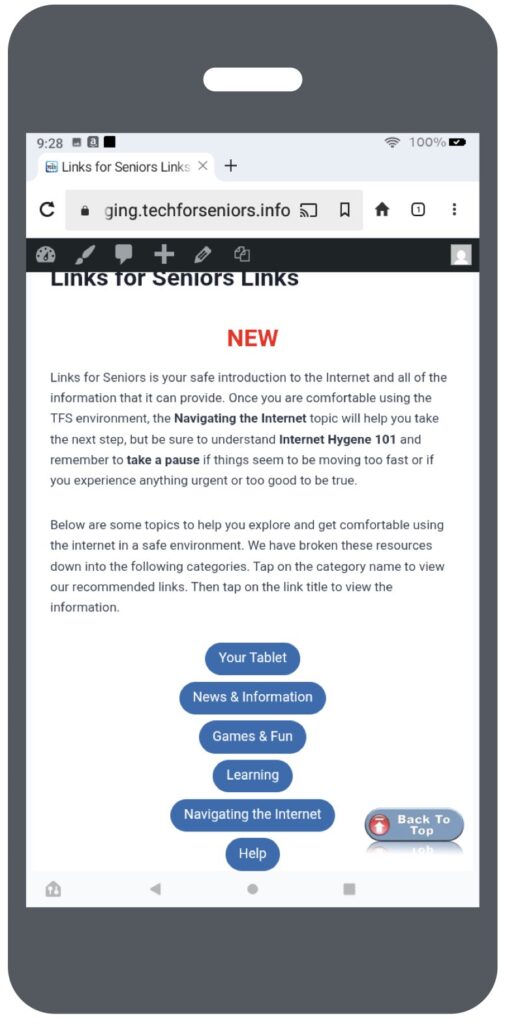
Learning – This is a catchall category with lots of interesting material, from course material to advanced course material, to details on your tablet, to how to load apps from the TFS library. contains links to your Learning Community’s course material. This is similar to the class information shown in the GFS/TFS Student Application on your tablet. Note that Zoom sessions cannot currently be started through the Links for Seniors application.
Help – contains instructions on getting help if you run into trouble. Please don’t give up! Use this information to find answers to questions or issues you encounter. It is likely others might be having the same issues so letting us know will help everyone be successful.
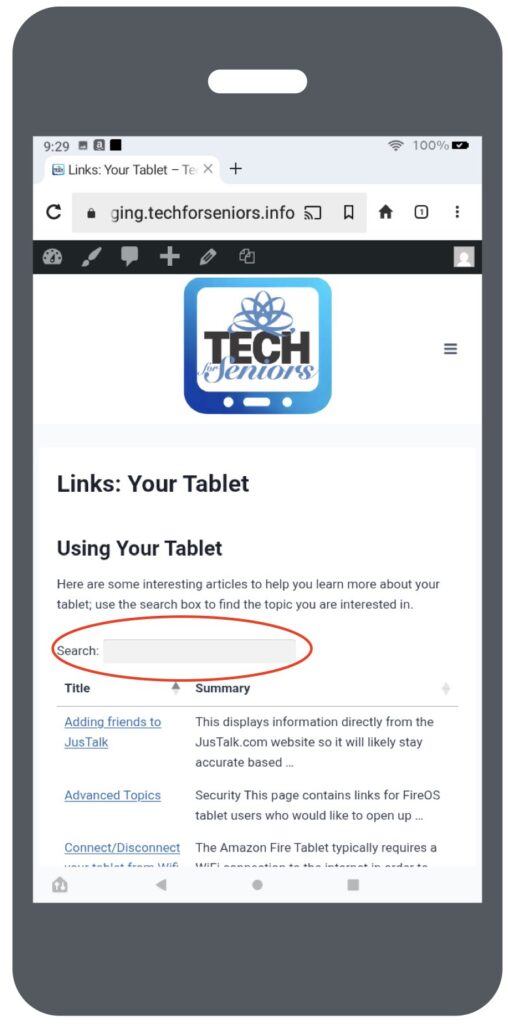
Links: Using Your Tablet
The Links: Tablet screen allows you to explore applications on your tablet, as well as find other information about it . Things such as performance, security, connecting/disconnecting from the internet and why you might want to.
The search area (circled) allows you to search for topics rather than scrolling down through all the material. Just start typing and all the articles associated with your topic will be displayed
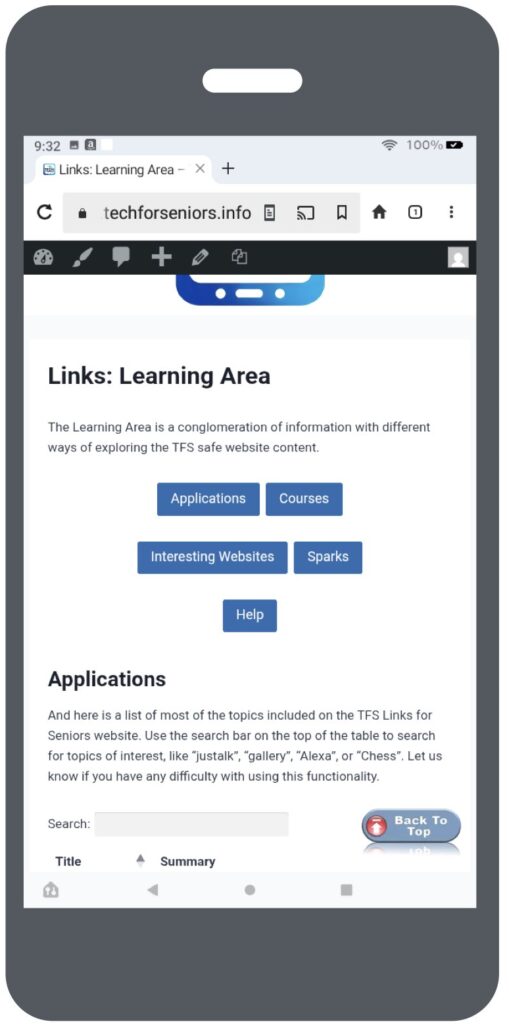
Links: Learning Area
The Learning Area is sort of a catch-all area intended to allow you to search across the entire TFS website. It provides a number of different ways to locate material included in the TFS environment as well as a few interesting external links (always be cautious when wandering outside the TFS environment).
Please let us know if you have suggestions on improving our system to make it easier and more fun to use.
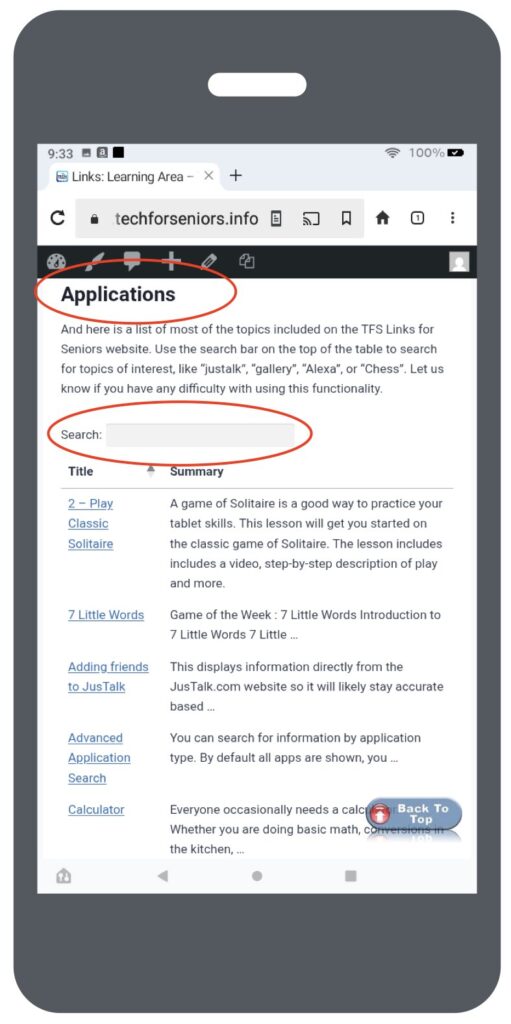
Links: Applications
The Application screen collects all the application information on the TFS website and displays it in alphabetic order. This is helpful if you just want to look at what’s there or if you are looking to explorer something new (of course, Sparks is also a great way for that).
We are always interested in suggestions on things you might like to be able to do on your tablet.
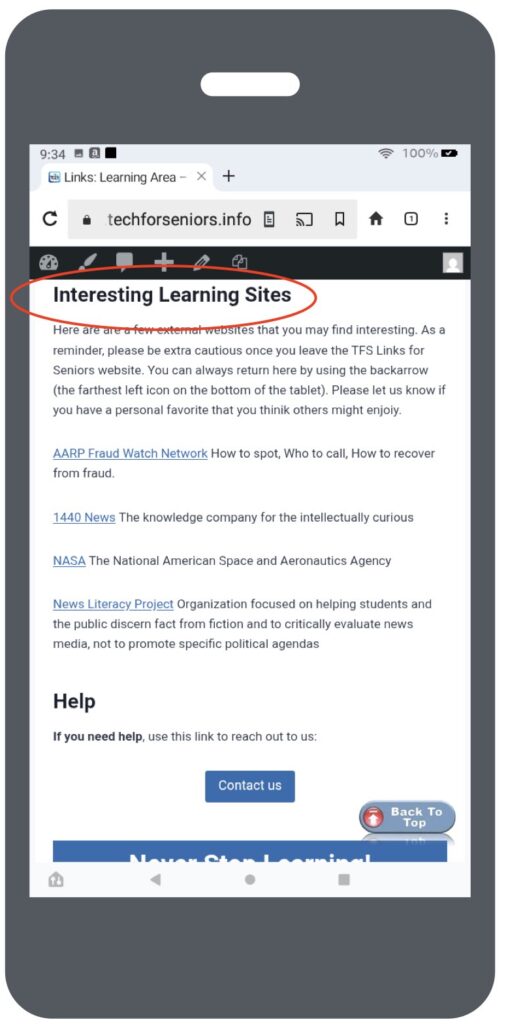
Links: Interesting Learning Sites
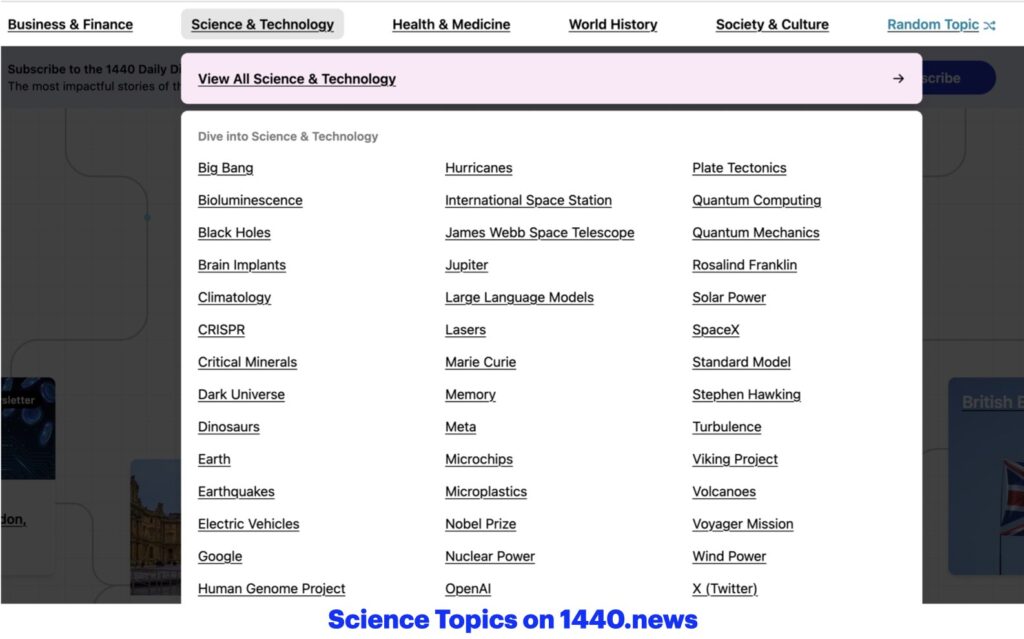
This screen contains a collection of interesting external sites where you can learn about fraud and how to protect yourself, Black Holes, Alzheimers, or Ancient Egypt and other topics, news from NASA, and how to discern fact from fiction in various news articles. The screen show below shows the topics available in the Science & Technology area alone, you can see the other categories available on the 1440 site. The other sites are just as ripe with useful and interesting information,
Let us know if you have a favorite site you would like us to add or if you have a favorite topic you would like to recommend (eg Taylor Swift Blog or Minnesota Twins news).
The Help Screen
The HELP screen is probably the most important screen in the TFS website. I am sure you’ve heard multiple times that the learning exercise you are undertaking has three important legs. One of the most important is your training team.
This screen contains instructions on getting help if you run into trouble. Please don’t give up! Use this information to find answers to questions or issues you encounter. It is likely others might be having the same issues so letting us know will help everyone be successful.