
Your Learning Plan
Your laptop has unlimited capabilities to help you learn, communicate, and work. If you are new to Windows or simply inexperienced, we have created a set of lessons that includes essential topics to build confidence and help you connect.
We recommend starting with the Start Here lesson by clicking on the Start Here topic below. The Start Here – Getting to Know you Laptop topic will guide you through essential topics to participate in our learning programs.
When you have mastered these essential Start Here topics, please proceed down the list of topics. As you explore and learn, we have programs to answer answer your questions and coach your learning. Find those programs on our Get Help page. Let’s get started!

The lessons in this course are:
-
Start Here – Getting to Know Your Laptop
Essential topics to start your learning Journey Getting to Know Your Laptop In the session where you received your laptop, essential topics and setup information was shared. This online lesson reviews those important topics and provides an opportunity to review what you have learned. On the topics below, click on Learn More to explore this…
-
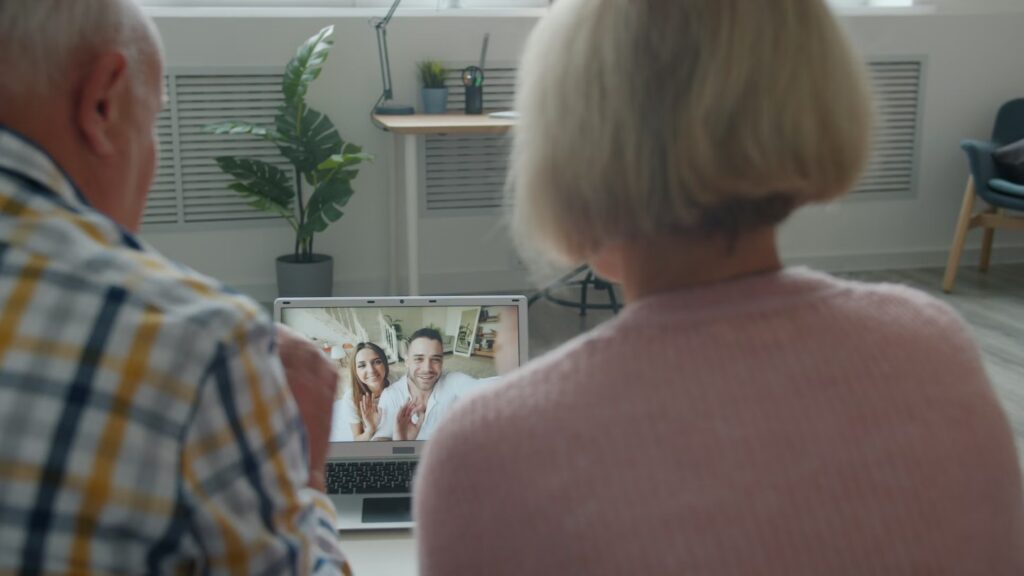
Communicating with Others
In this lesson we will explore your laptop and its basic operation. We will also focus on the tools that you need to continue your Tech for Seniors learning like sending and receiving email and attending a Zoom video meeting.
-
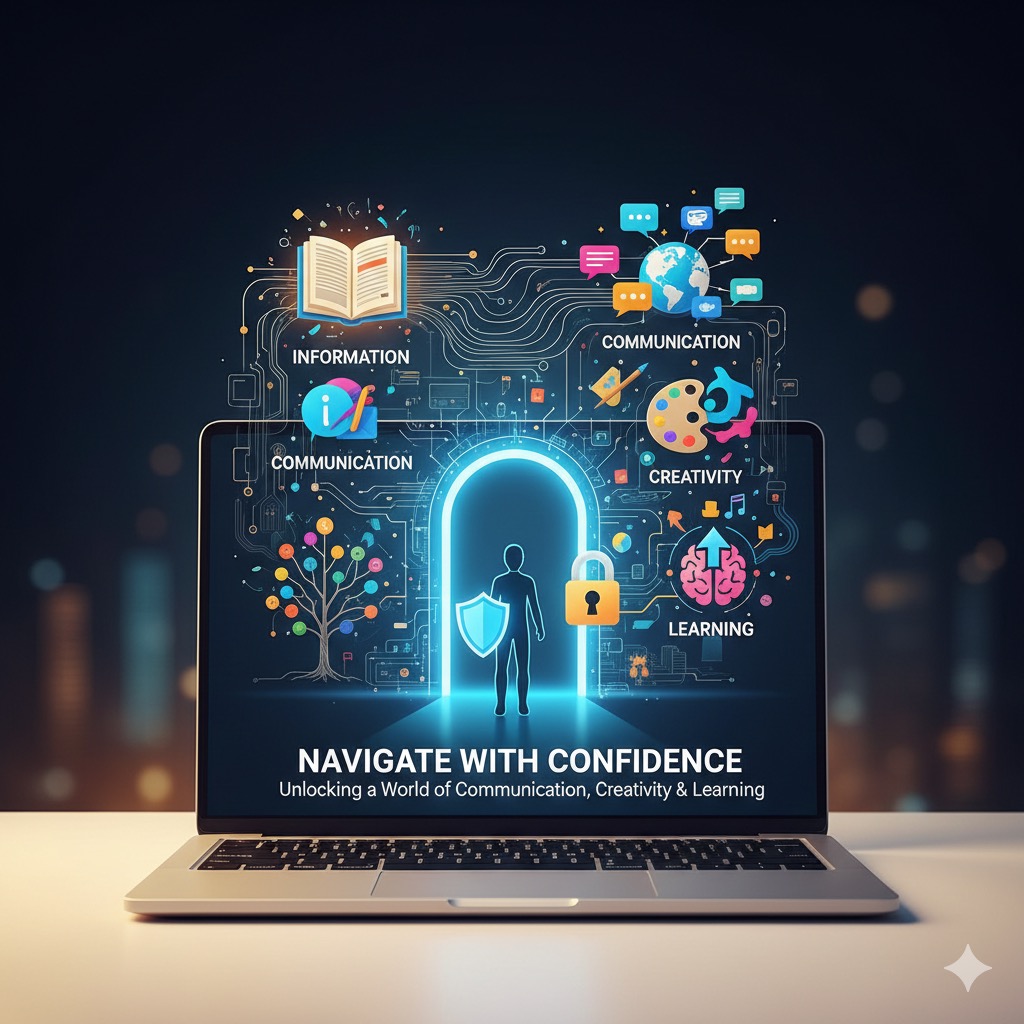
The Internet & Staying Safe Online
In this lesson we will explore your laptop and its basic operation. We will also focus on the tools that you need to continue your Tech for Seniors learning like sending and receiving email and attending a Zoom video meeting.
-
Games and Entertainment
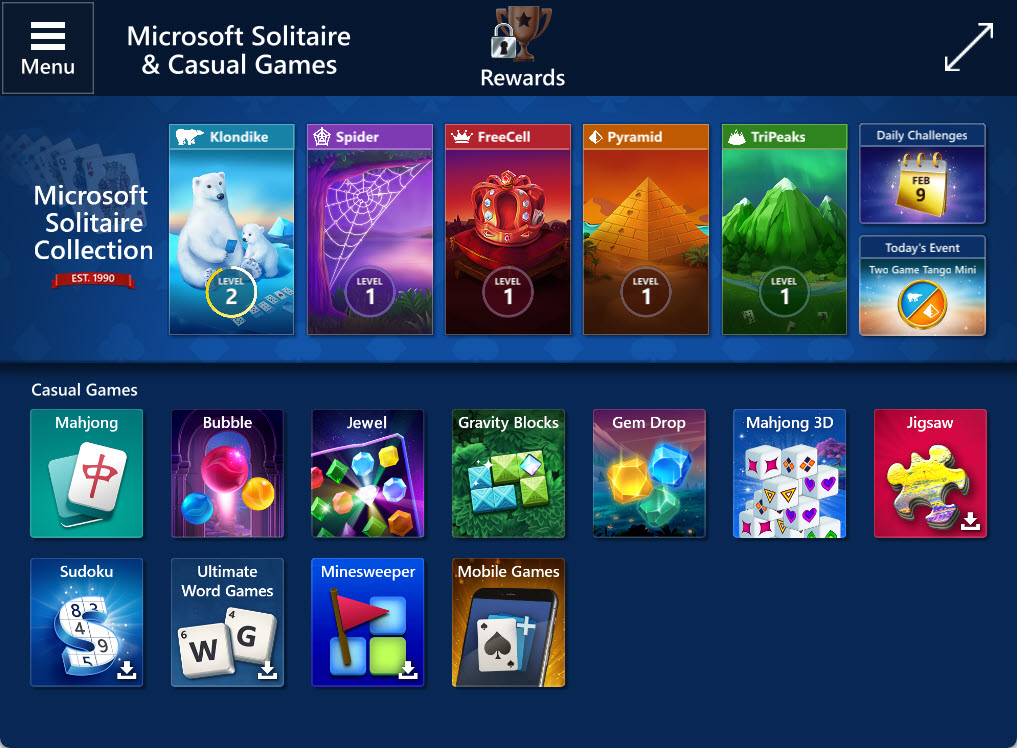
We believe that games are an effective way to learn the basic actions required to operate your laptop. By playing Solitaire and Minesweeper, you will learn to operate the mouse and functions like clicking, dragging and more. Play Solitaire Windows 11 includes the Classic Klondike Solitaire game that many learned to play as children. It’s…
-
Engaging with Local Resources
One way to engage with your community is to use local resources for news, services and essential functions for living. Let’s start with essential services that are provided locally. Use these links to create a safe, enjoyable, and engaging journey into the digital world. Resources You Can Use Have fun exploring and remember….. Never Stop…

Have fun playing and remember…..