
Getting Help
Tech for Seniors offers multiple option when you need help with your learning and experience.

You can get help with your questions by using our Online programs, Zoom Video Meetings, Email, or Phone. Choose the approach that works best for you. Or mix and match to get the help and learning you need.
Click the buttons below for more information about using your resources.
Online Learning
Our TechforSeniors.Info website has a selected set of resources picked specifically for our adult learners. Learn about email, Zoom, games, online safety and more from our selections. Get started by clicking this button to access the learning plan that we have created for you.
Zoom Meeting

Every week, Tech for Seniors will hold a Zoom video call where your laptop questions are answered. Think of this as TFS “office hours” where you can get help. And we will do it every week.
The current schedule is for the Zoom sessions to occur on Wednesday at 3 – 4 pm. Please join the Zoom call by 3:30pm to give our volunteers and staff time to help! Use this button to join the meeting.
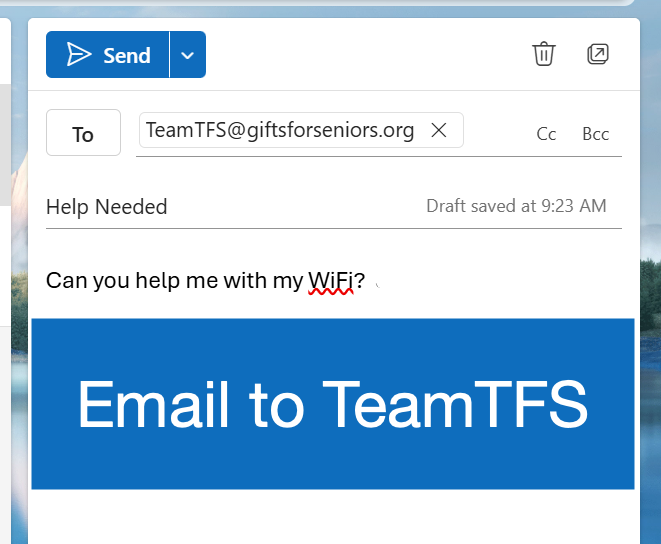
Send an email to TeamTFS@giftsforseniors.org to ask a question or help. If you are using Outlook for your email, the Send Email to TeamTFS will address the email for you.
If you have to manually send this email, the address for Team TFS is:
TeamTFS@GiftsForSeniors.org
Call by Phone
Contact Tech for Seniors if you need help or maybe a little coaching. Call 612-440-6670 and leave a message. Someone will call you back.
Have fun playing and remember…..