
Send and Receive Email with Outlook
Email is essential for living a digital life. You will use it to send email messages to friends and family, get information.
You can use the Outlook app on your laptop to:
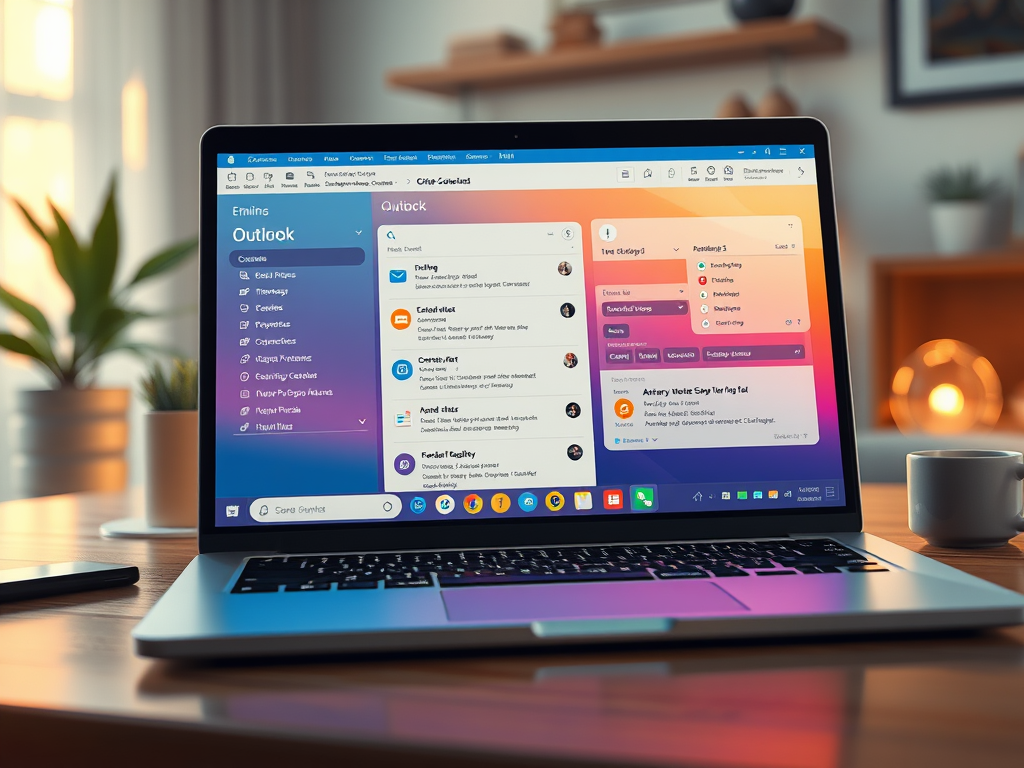
- Organize your email to focus on the messages that matter most.
- Manage a calendar to schedule appointments and more.
- Stay connected and productive wherever you are.
Microsoft has a very good set of training material that can get you using Outlook quickly, at your pace and in the manner that you learn best: Reading (text), Audio or Visual (Movie). There are 7 lessons available for the Windows systems:
- Quick Start – learn the basics
- Set up and customize – learn how to customize outlook to suit your needs
- Create and send email – lean how to communicate with email
- Manage email – learn how to manage emails you receive
- Organize your inbox – learn how to keep emails so you can find them again
- Contacts and tasks – learn how to use the outlook “phone book” and manage tasks
- Calendar – learn how to use calendar to organize, remind and schedule your activities
Microsoft also has a robust help facility at this web location.
Add another email account.
Do you need to add another email account to Outlook. You can access information on how to do this here.
Have fun exploring and remember…..