
FIND THINGS FAST WITH THE WINDOWS KEY
The Easy Way to Search Your Computer
The location of commands and functions on your Windows laptop can be confusing. It is very easy to lose track of apps, functions, settings, pictures and more.
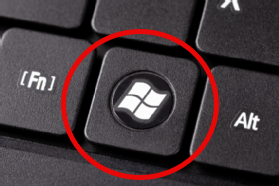
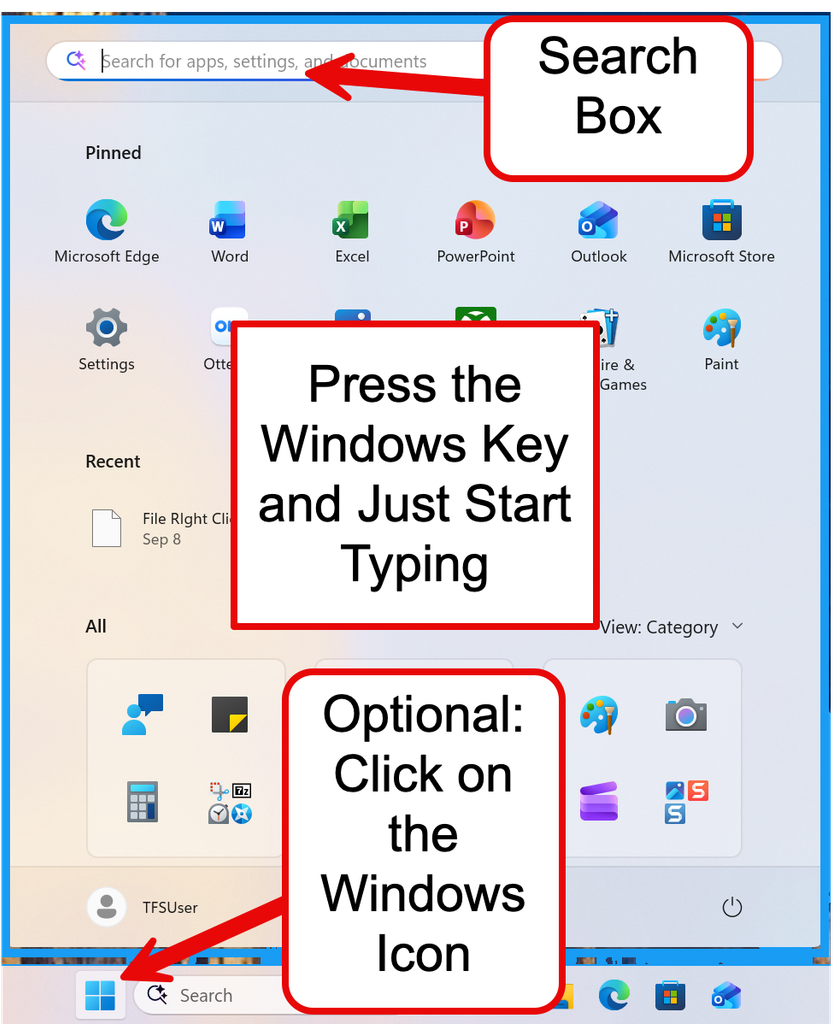
Press the Windows Key and Start Typing
You do not need to find the Search icon.
You do not need to look through menus or folders.
Just press the Windows key on your keyboard and type the name of what you want to find into the Search Box.
Try It!
🧮 Find Calculator
1. Press the Windows key ⊞
2. Type Calculator
3. When Calculator appears, click it — or press Enter
That’s it!
What Can You Find?
Apps
Press ⊞ and type:
Calculator
Notepad
Weather
Settings
Press ⊞ and type:
Bluetooth
Printer
Text size
Wi-Fi
Documents
Can’t remember where you saved something?
Press ⊞ and type part of the document’s name.
Windows can help you find it.
Give It a Try
Use the Windows key to find:
☐ Calculator
☐ Notepad
☐ Bluetooth settings
☐ A document on your computer
⭐ TFS TAKEAWAY
Press the Windows key ⊞ and start typing.
You don’t have to remember where something is.