
The Internet & Staying Safe Online
The Internet opens the door to a world of information, communication, and creativity, and learning to navigate it with confidence is an essential modern skill.
This lesson will teach Microsoft Edge, the built‑in browser on Windows 11, provides a simple and secure way to explore websites, search for answers, and access online tools.

As we build these skills, it’s equally important to understand how to stay safe online—recognizing trustworthy sites, protecting personal information, and using built‑in security features that help keep your browsing experience secure.
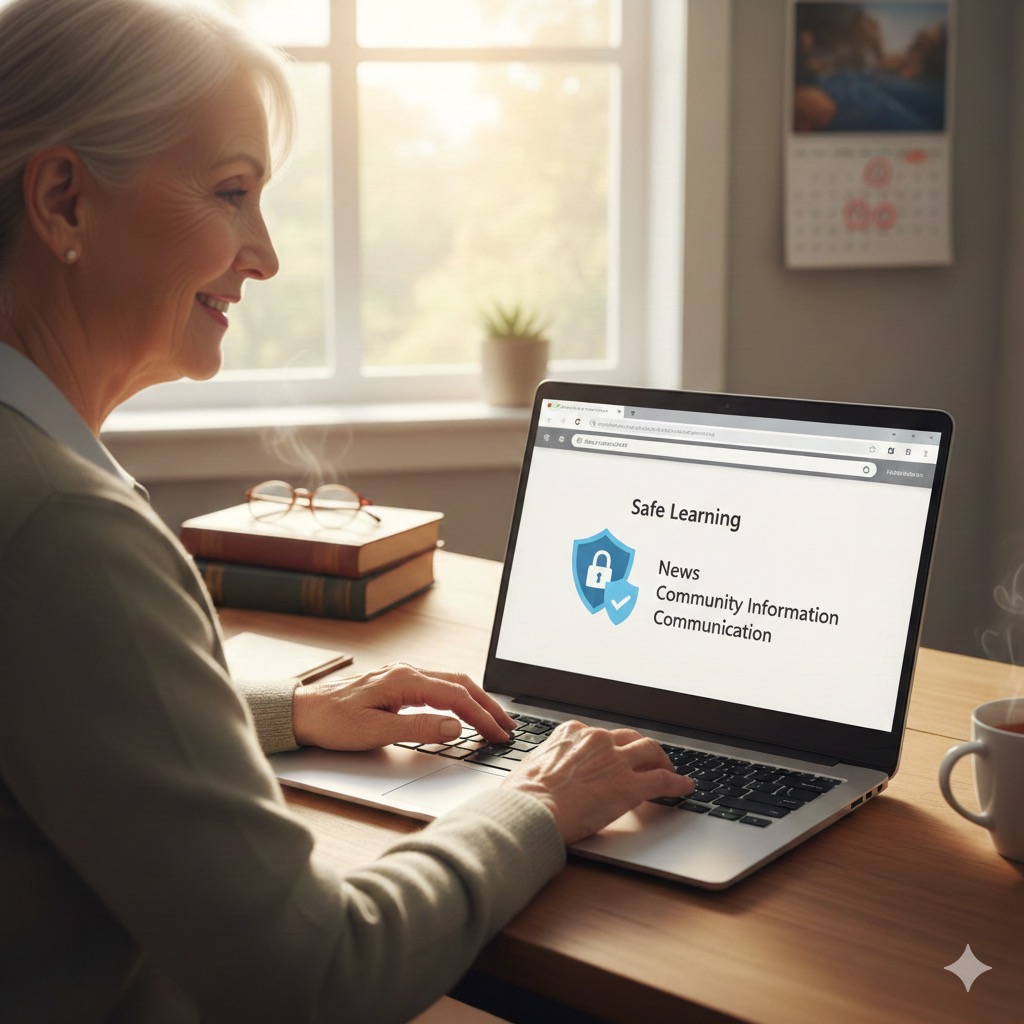
First we will share a few of our favorite Internet resources in a section that we call Links for Seniors where you can explore some of the best that the internet has to offer.
Then we will guide you to tutorials on using Microsoft Edge. Finally, it is important to discuss online safety.
Together, these foundations create a safe, enjoyable, and empowering journey into the digital world.
Open Links for Seniors in Browser
Staying Safe Online
-
Exploring Links for Seniors
Links for Seniors We are providing web/internet links that are specifically chosen for you to explore. The links are just a sample of the information, learning and entertainment available to you with your laptop. For this page, we will move outside of the Tech for Seniors site to make these links available to you from…
Links for Seniors